Stylized Environment Design
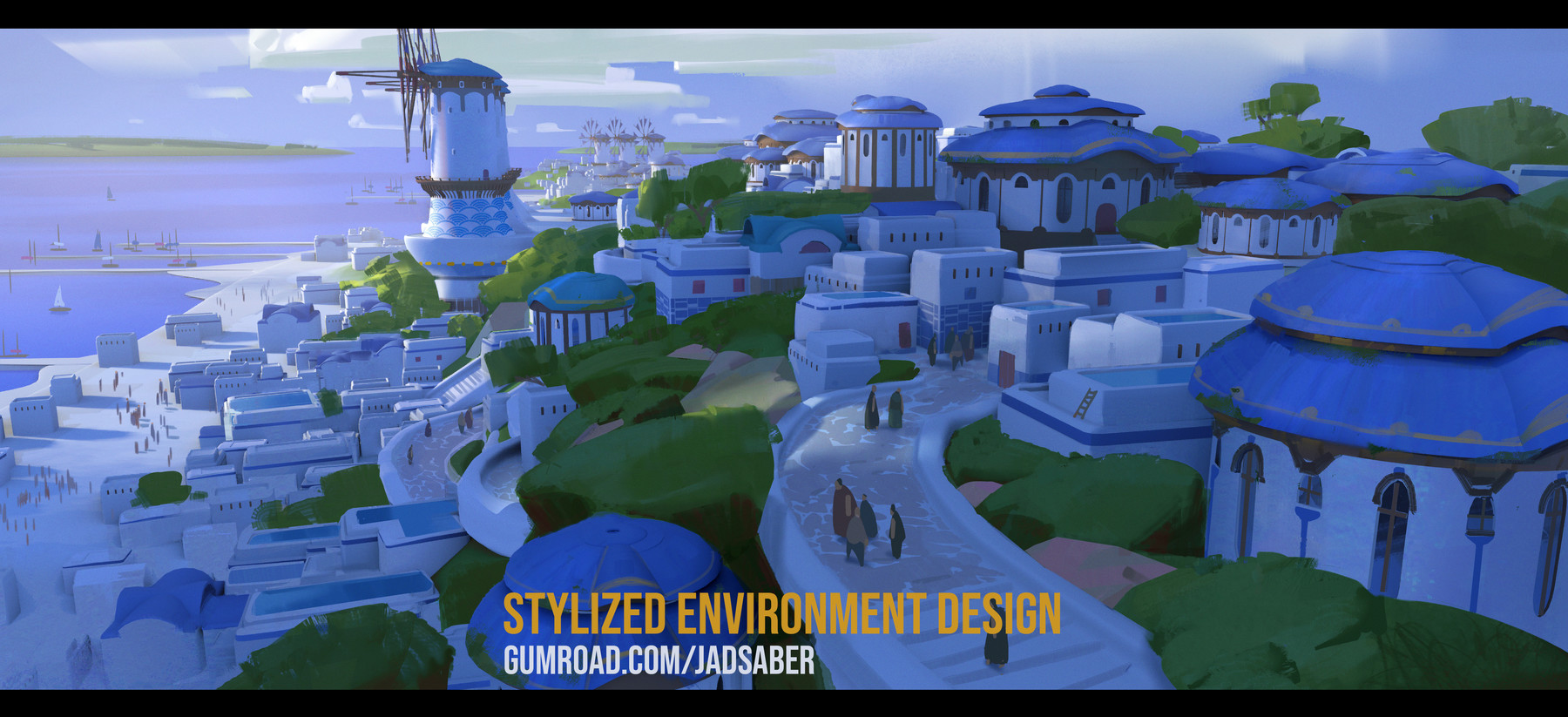
Building a 3D base has never been this fun!

In this tutorial, I will show you how I translate my ideas to 3D in a creative and non-technical way. I will also discuss lighting, framing and setting up a strong base to paint over in Photoshop.


Tutorial includes:

-2 hours of narrated content

-3D assets

-Blender Scene

-Two PSD files


Topics covered:

Modeling with Quickshape and Blender curve tools

Scattering (Particle system)

Lighting and Framing

Painting over a 3D base


Software used:

Blender

Photoshop

Standard Use License
$25
License: Standard License
Stock Assets

For personal use and one commercial project (up to 2,000 sales or 20,000 views).

Tutorials

One copy to be used by a single user.

Installable Tools

One installation by a single user.

Learn More
Files (17)
01-Intro
mp4 /
160 MB
02-Modeling-Quickshape
mp4 /
410 MB
03-Modeling-Quickcurve
mp4 /
530 MB
04-Scattering
mp4 /
760 MB
05-Walkways
mp4 /
250 MB
06-Lighting and framing
mp4 /
340 MB
07-Sketch
mp4 /
120 MB
08-Painting-Timelapse
mp4 /
1.5 GB
3D-Assets
blend /
6.6 MB
3D-Scene
blend /
100 MB
Cloud map
jpg /
610 KB
Screenshots
jpg /
3 MB
Scribble-Shot 2
jpg /
1 MB
Shot-1.1
jpg /
2.7 MB
Shot-1
psd /
240 MB
Shot-2.2
jpg /
2.8 MB
Shot-2
psd /
210 MB